Updated: 31 July 2020
Changing the names of Placeholders
- Log in to your Apartment Ocean account
- Go to “Widget Customization” section --> Option 10
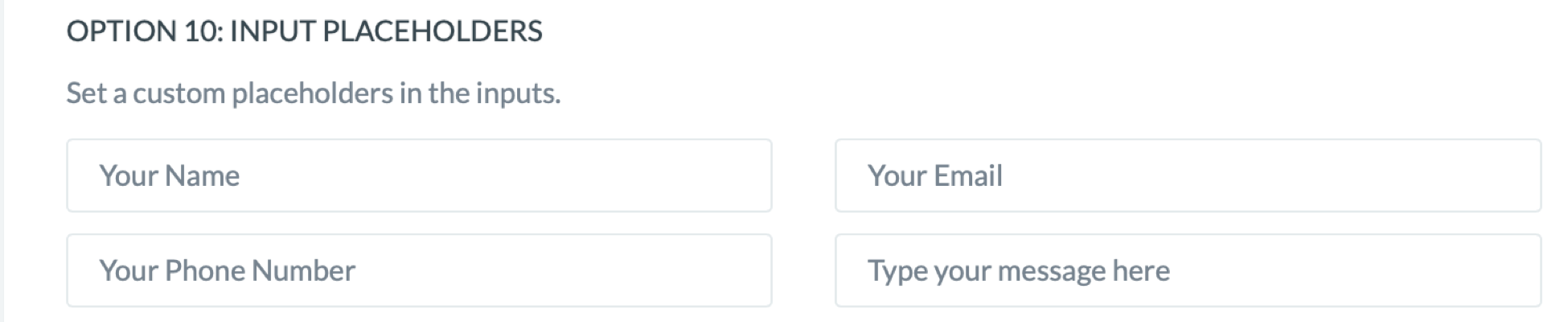
- Placeholders are fields where users will input information (name, email address, phone number, messages)
- Default placeholders can be seen in the picture below
- If you would like to change any of these placeholders, please start typing in the field of the placeholder you would like to change
- When you finished changing the placeholder names, please don’t forget to click the “Save” button on the bottom of the page to save the changes